42Player
M3U · Xtream Codes · TV guide
The IPTV player
for your playlists
Play your own M3U playlists and Xtream Codes logins: live TV, movies, series and a TV guide. Fast, private and beautifully simple.
$4.99 once, on iPhone. No subscription, no ads. Includes no channels: bring your own playlist.
- No ads
- No tracking
- No account
- Plays your own playlists
M3U and Xtream Codes playlists
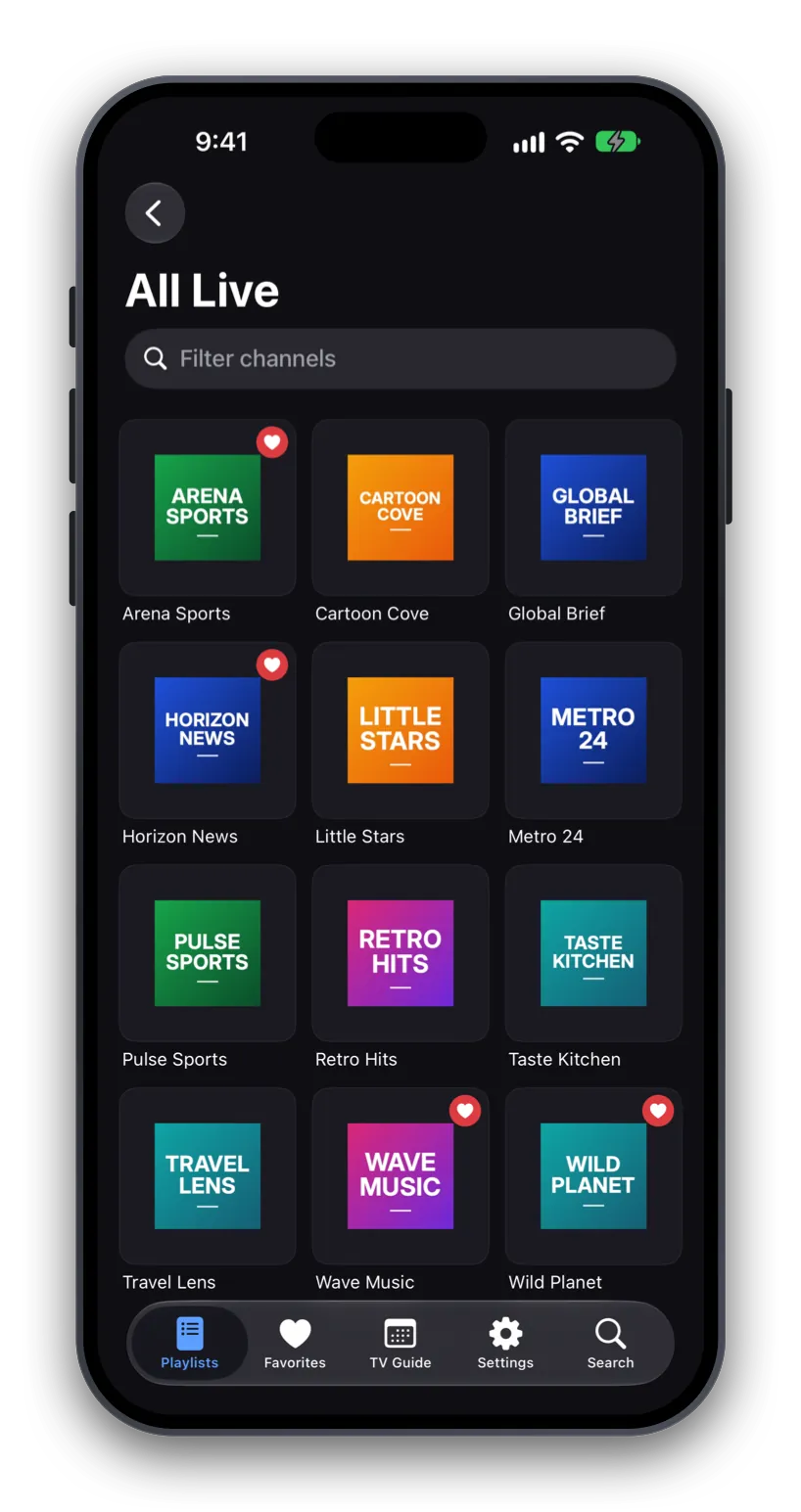
Paste an M3U or M3U8 link, or sign in with the Xtream Codes login from your provider. Add as many playlists as you like and switch between them in a tap. Channels stay grouped the way your provider organizes them.
Smooth playback, every format
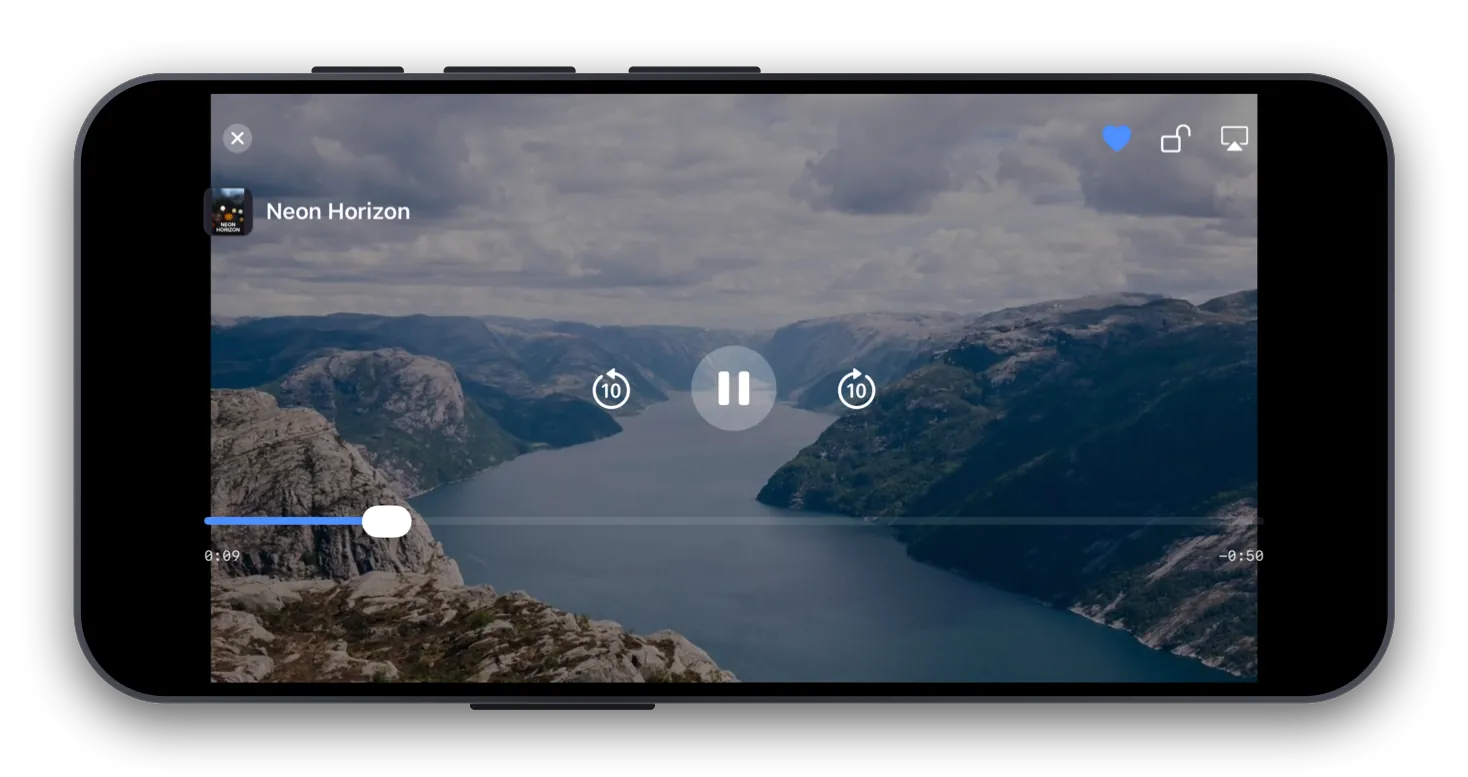
HLS, MPEG-TS, MP4, MKV, AVI and more. Pick audio tracks and subtitles, skip back and forward ten seconds, and send the picture to your TV with AirPlay.
A TV guide that knows what's on
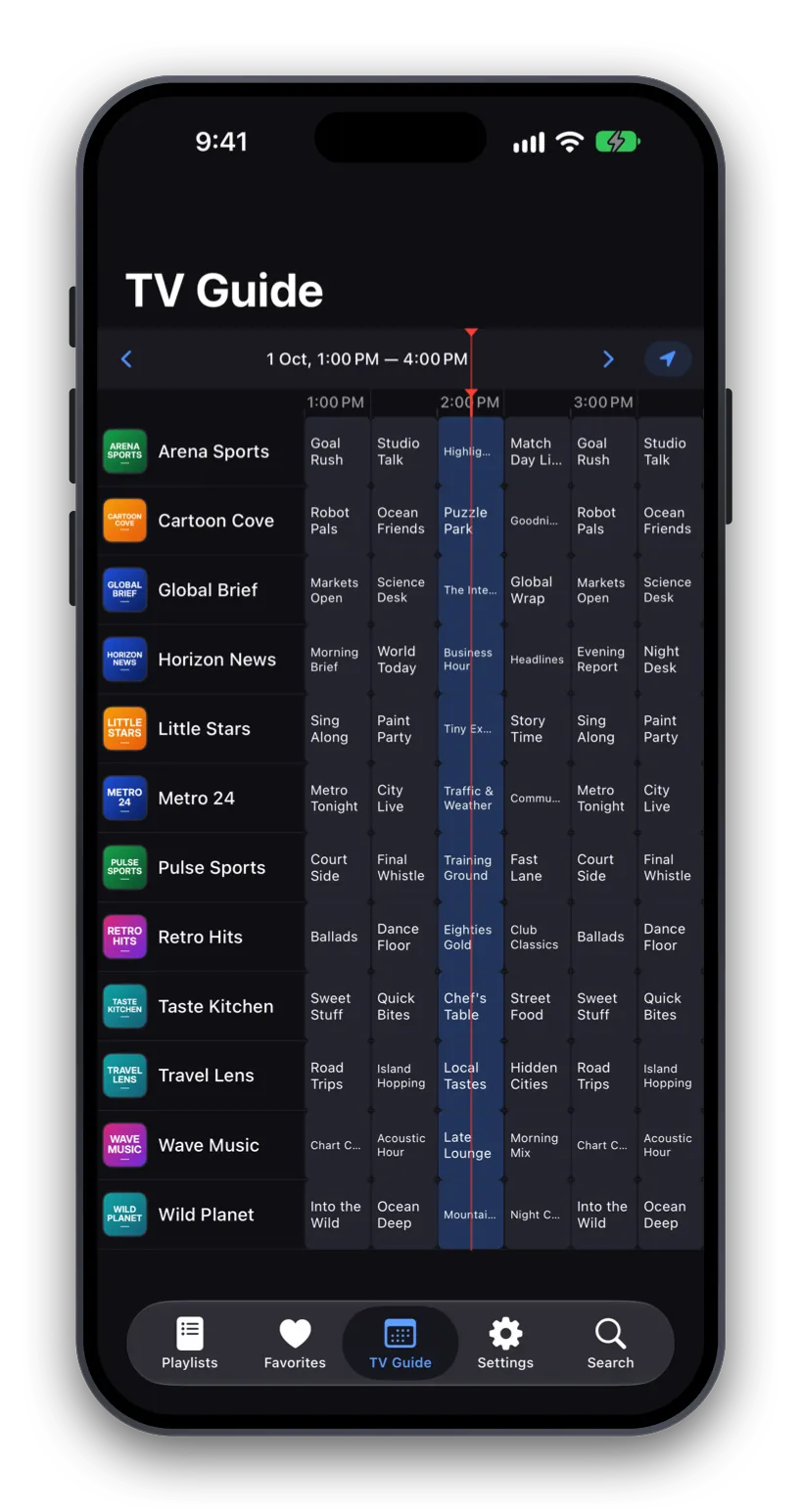
See what's on now and next for every channel, from your provider's XMLTV guide. Xtream Codes logins bring their guide automatically; for an M3U playlist, add the guide link your provider gives you.
Movies and series, neatly organized
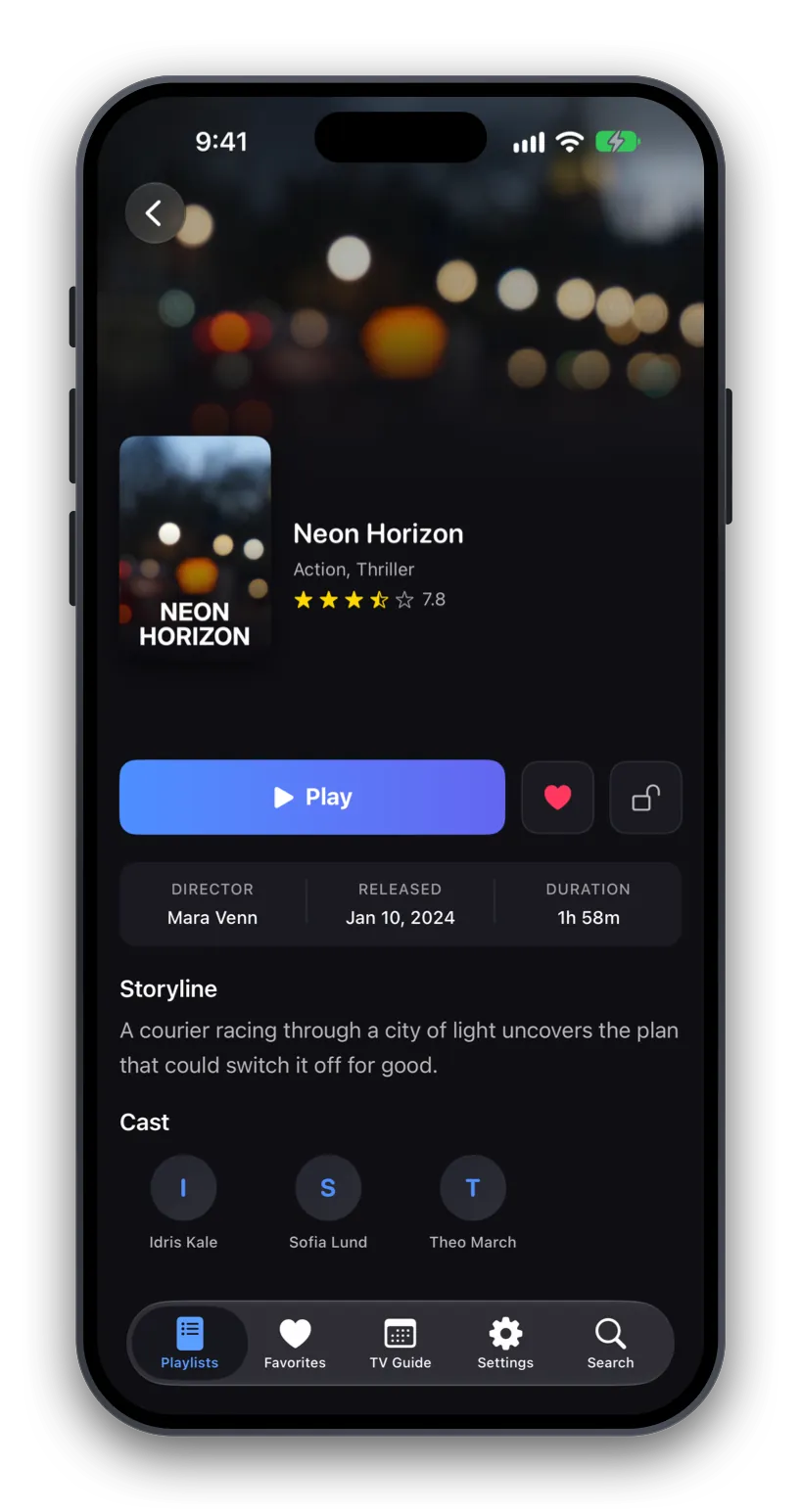
Browse films and series with posters, descriptions, seasons and episodes, just as your provider lists them.
Favorites and search
Keep your favorite channels, films and series one tap away, and search across all your playlists at once.
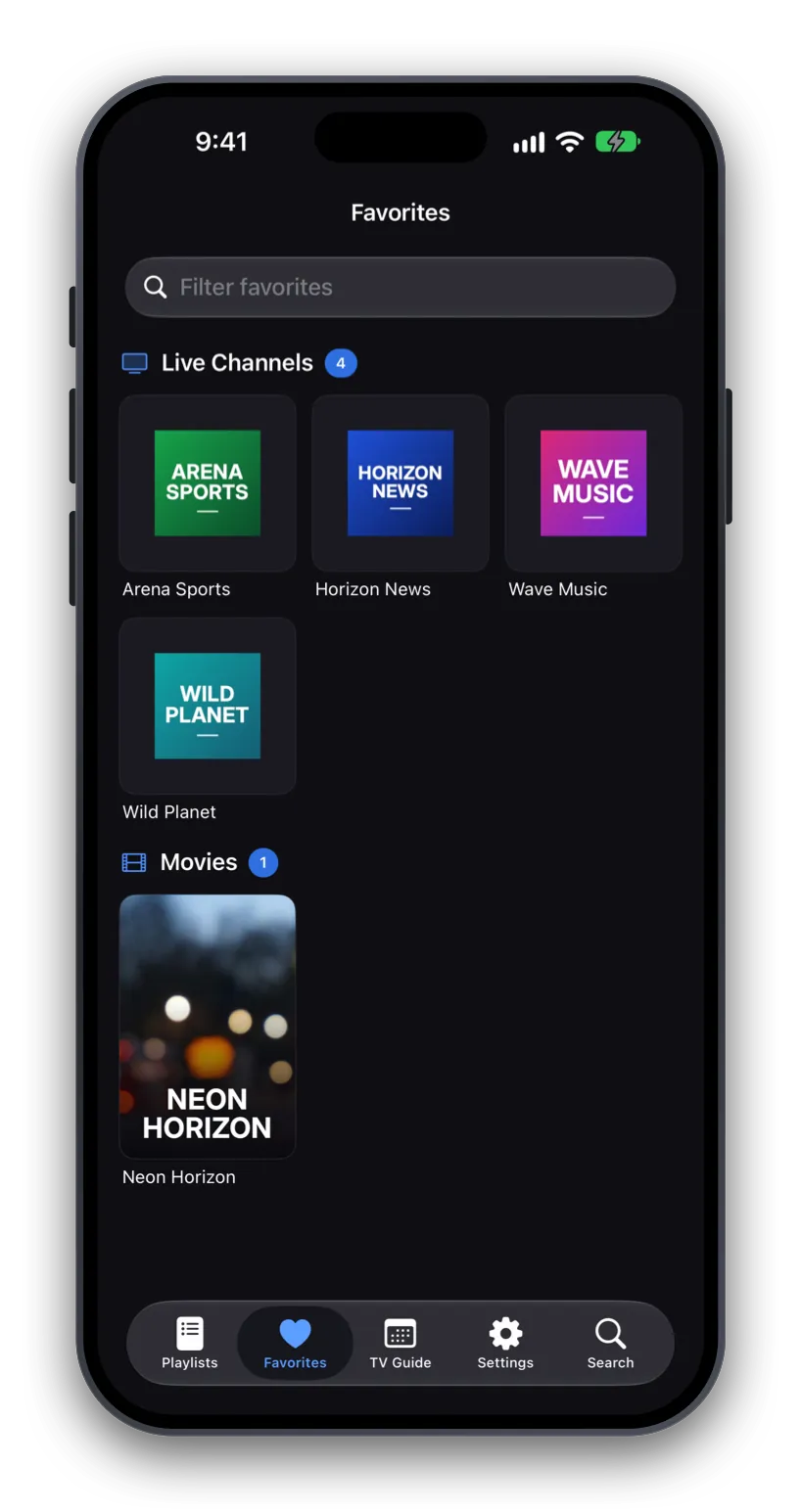
Private by design, ready for family
No ads, no analytics and no account. Your playlists stay on your device and provider passwords are kept in the Keychain. A parental PIN locks the channels, films and series you choose.
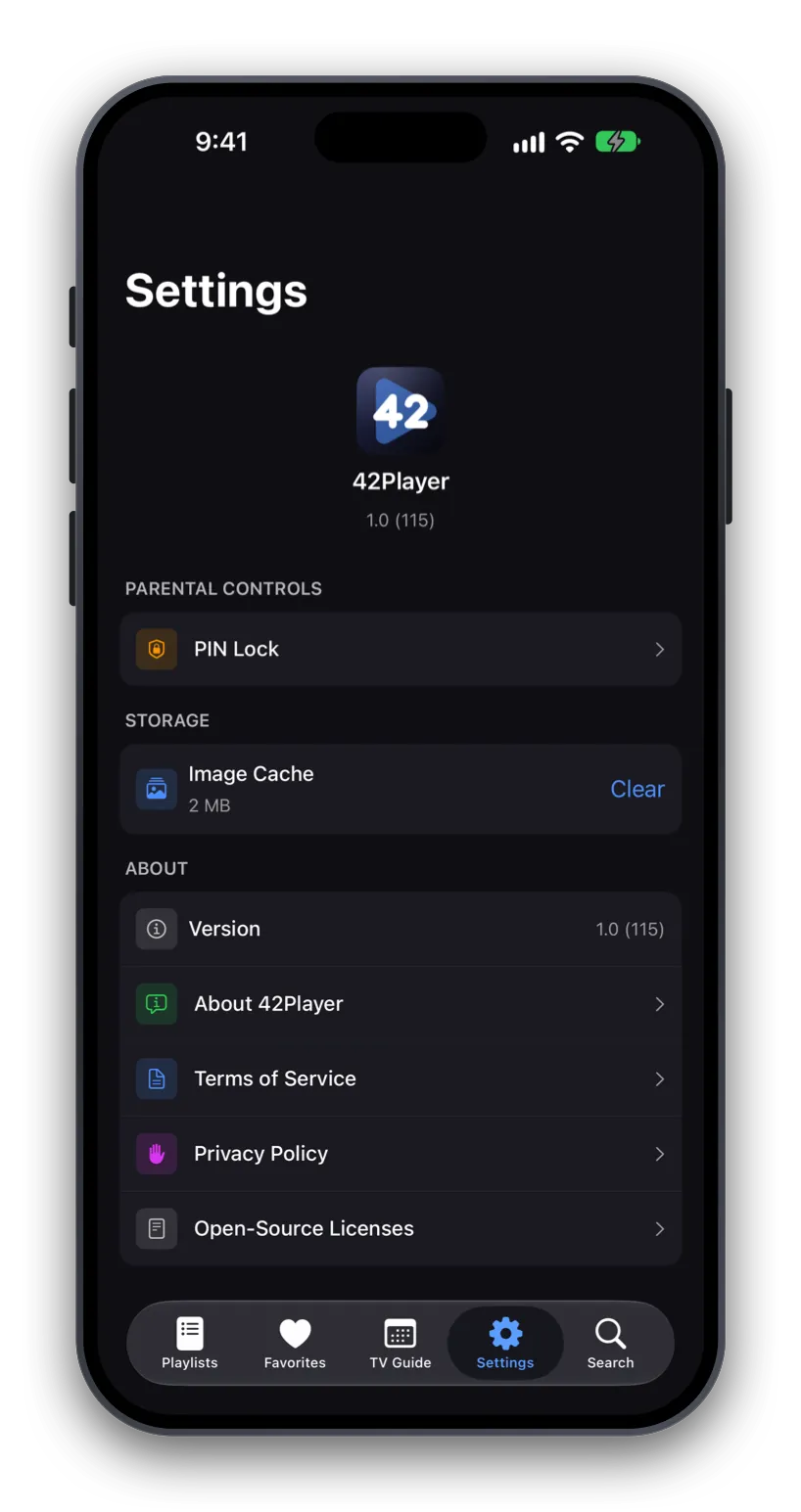
Up and running in a minute
Get a playlist
Your IPTV provider gives you an M3U link or an Xtream Codes login.
Add it to 42Player
Paste the link or enter the login. Add several and switch any time.
Watch
Live TV, movies, series and the TV guide, on your iPhone or your TV with AirPlay.
Want to look around first? Once you have the app, add our demo playlist of free, legal test streams: 42player.com/demo.m3u
Questions
Does 42Player include any channels?
No. 42Player is a player only. It does not provide, host or sell any content. You add the M3U playlist or Xtream Codes login you get from your IPTV provider.
What do I need to use it?
An iPhone with iOS 26.2 or later, and a playlist link or Xtream Codes login from your provider.
Which stream formats does it play?
HLS (M3U8), MPEG-TS, MP4, MKV, AVI and most other common formats, with a choice of audio tracks and subtitles.
Is there a TV guide (EPG)?
Yes, from your provider's XMLTV data. Xtream Codes logins include it automatically. For an M3U playlist, add the XMLTV guide link your provider gives you.
Is my data private?
Yes. The app collects no analytics or personal data, and neither does this website. Your playlists stay on your device and passwords are kept in the Keychain. See the Privacy Policy.
How much does it cost?
$4.99 once, in the US; prices in other countries are set by the App Store. There's no subscription, no in-app purchase and no ads.
Is there an iPad or Apple TV version?
Not yet. 42Player 1.0 is for iPhone. iPad and Apple TV versions are planned for later releases.
Can I see it working before I add my provider?
Yes. In the app, add our demo playlist of free, legal test streams, 42player.com/demo.m3u, to look around first. It's also handy for checking the app itself is fine when a provider's stream isn't working.
Why 42?
A very large computer thought for seven and a half million years and said “42”. We didn’t argue.Don’t forget your towel.